Another random bit of randomness, while I hammered out that example var, the only thing I could think of was that maddening commercial from the 1970s for Hooked on Phonics. How did they start off? Weren’t they some over-energetic woman doing a voice-over at the beginning of the commercial starting with the borderline, somewhat musical, “Learn to read!”
Great campaign, really. Memorable.
But wouldn’t it seem strange that your telephone number still said “One Eight-hundred A-B-C-D-E-F-G!” — so, you have to understand letters and reading well-enough to, you know, learn to read?
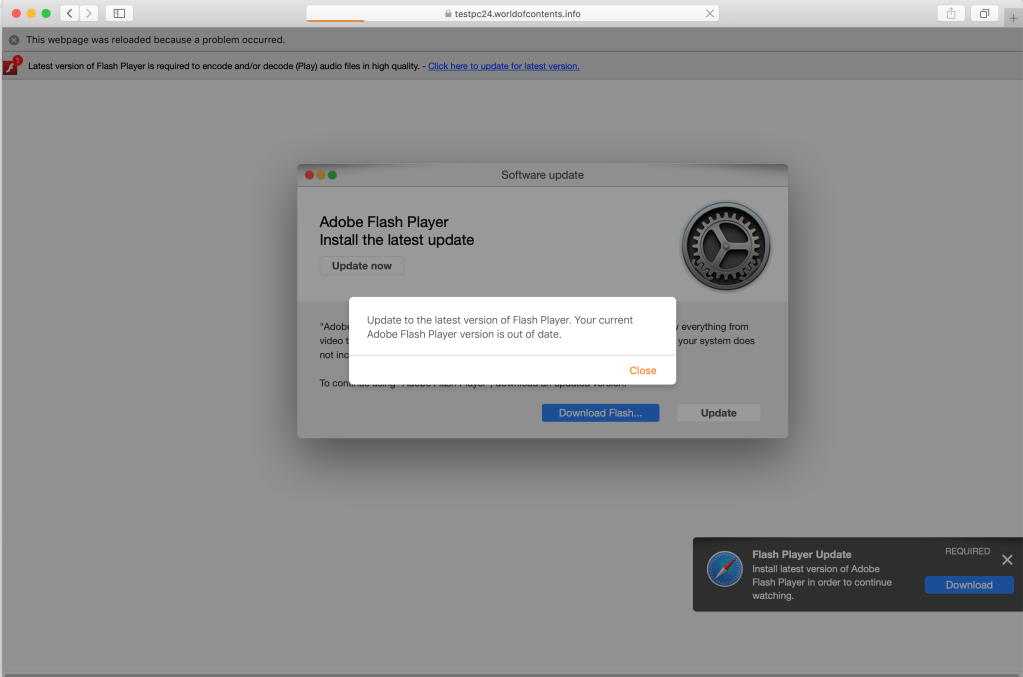
Especially won’t do it because you’ve said it not once, not twice, not three times… but four effing times. And, there’s a clear flaw on what would have been a simplistic page itself.
So, no. I won’t be installing it.
And I’m quite pleased with the fact that the now default security policy is to not just run anything from anywhere.
In IT, sometimes, you should clean out the fridge, so to speak. For example, delete old accounts. Delete old rules. Delete old processes.
I was cleaning out my own email rules just the other day, and this one came up, which was from another account’s auto-responder. It has been dutifully sending out responses to every request that hits its mailbox… for about three years:
I’d never paid attention to certain version numbers, and release dates, of certain applications. And, frankly, always assumed that things were up to date.
Apparently, that assumption was likely mistaken.
$ bash --version
 GNU bash, version 3.2.57(1)-release (x86_64-apple-darwin18)
 Copyright (C) 2007 Free Software Foundation, Inc.
Wow.
The copyright on that specific version on the state of the art macos — all Macs — was 2007. TWELVE years ago.
What version is currently available? Unsure, but I’m going to bet that it’s most certainly not v3.2.57(2).
Isn’t quite as state of the art having GPL-software that’s static. Yeah, I know, it makes things more stable. I get it. But there will be some newer capabilities, improvements, bug patching and so forth that will be revealed with the continuing march of progress.
Now… what are the risks to doing the upgrade?
[Edit: Well, I’m certainly not the first to see this and I only started pondering it when I wanted to make kubectl auto-complete available directly. Probably a good idea to upgrade.]




 the rest of me